Branches
Scope daily work by branch
Keep queues, appointments, billing, inventory, and doctor workflows aligned with the selected clinic branch.

Clinic operations
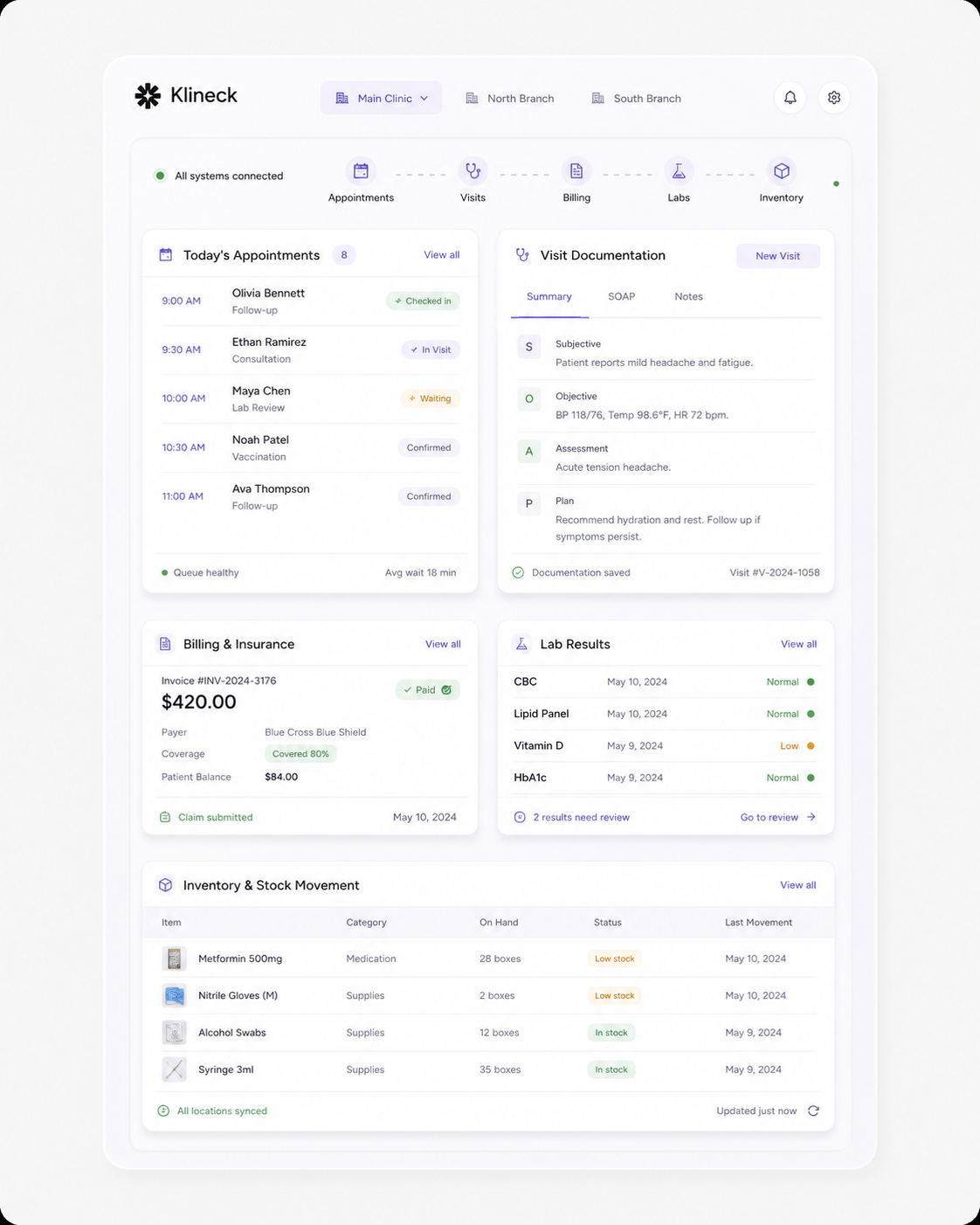
From appointment scheduling to visit documentation, payments, insurance, lab review, and stock movements, Klineck keeps each workflow connected to the right patient, visit, doctor, and branch.
See the platformOperational workflows connected
Branch-aware clinic workspace
Platform capabilities
 billing accurate
 and branch operations
 easy to control.
Branches
Keep queues, appointments, billing, inventory, and doctor workflows aligned with the selected clinic branch.
Clinical workspace
Manage patient history, prescriptions, lab requests, results, clinical notes, and follow-up from the visit context.

Revenue
Create visit-linked invoices, apply insurance coverage, track payments, and move stock for medicines and supplies.
Operational core
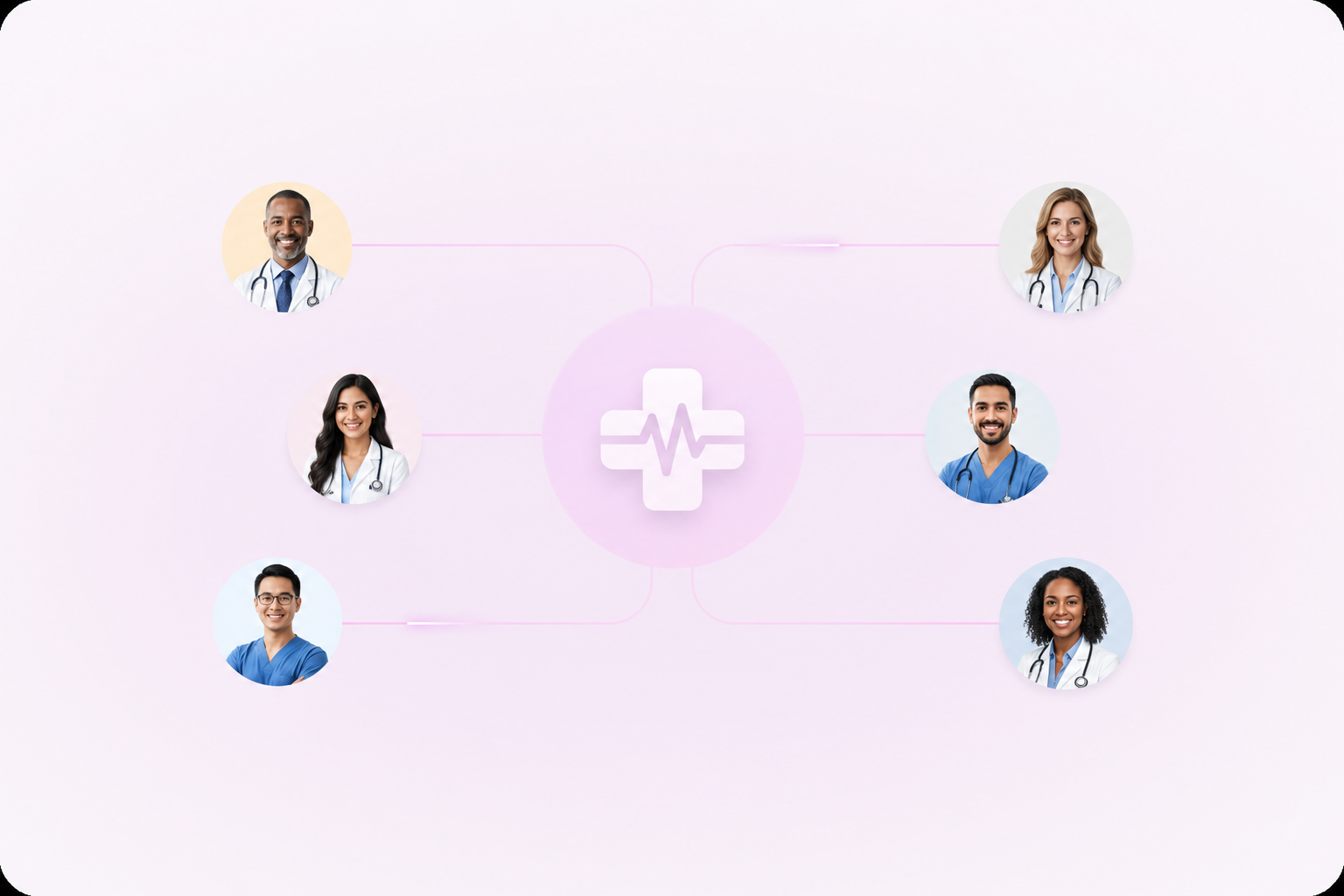
Klineck is not just a patient list. It connects the branch, doctor, patient, visit, service, invoice, and stock context that clinic teams already juggle every day.
Branch control
Scheduling
Patient record
Patient journey
The app centers work around the visit, then lets each team do their part without losing the clinical or financial trail.
Front desk teams manage appointments, check-ins, modality, and branch queues from one operational view.
Doctors work inside the visit context with patient history, notes, prescriptions, lab requests, and files.
Prescriptions stay linked to the visit and patient, with EDA drug search and reusable medication history.
Lab PDFs are uploaded, extracted, structured with AI, and reviewed before they enter the medical record.
Charges, insurance, payments, invoice PDFs, and stock movements close the loop on the same visit.
Revenue and stock
Charges are not floating accounting entries. They come from services, supplies, medicines, packages, and coverage decisions connected to the visit that created them.
Build branch-aware service, medicine, supply, and package catalogs that billing can reuse during visits.
Finalize visit invoices, generate PDFs, record payments, and keep coverage and remaining balances clear.
Tracked medicines and supplies move stock when finalized billing consumes inventory.
Capture coverage, approval data, covered amounts, and patient responsibility without breaking the visit flow.
Data and automation
Klineck uses AI for specific clinical support workflows and gives operators reporting filters that match how clinics compare branches, doctors, dates, and billing outcomes.
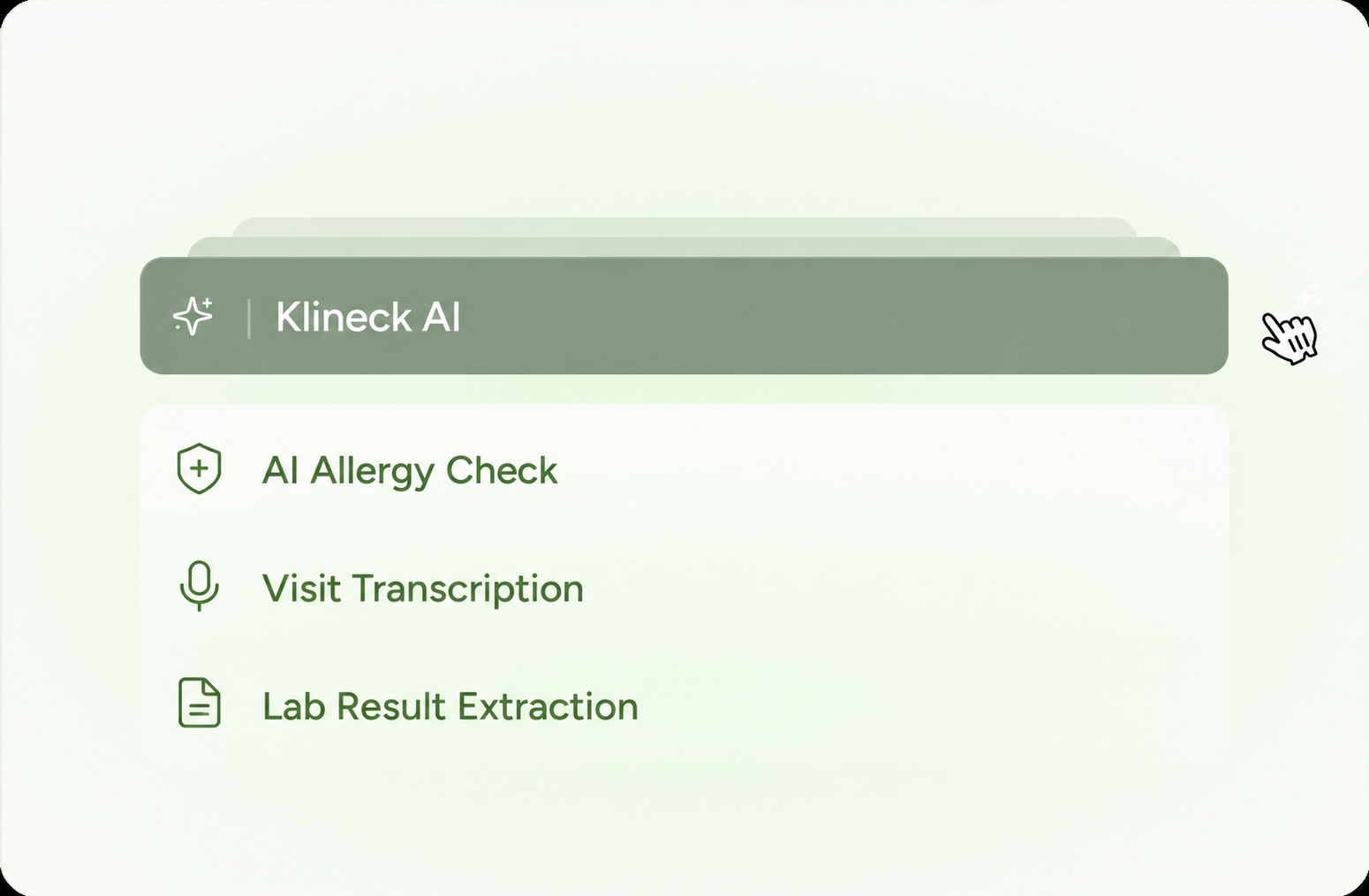
AI
Medication-only patient summaries run through the worker queue so clinicians can review context faster.
Uploaded lab PDFs move through extraction, AI structuring, doctor review, and medical-record history.
Live
Worker-originated events can notify the app so clinical teams see operational changes without manual refreshes.
Reports
URL-backed reporting filters by date range, doctors, and branches for operations and billing charts.
Security and access
Klineck keeps security controls close to daily settings so clinic owners and staff can manage sign-in, recovery, and active devices without leaving the product.
Sign-in
Email, password, passkeys, and 2FA
Recovery
Authenticator verification and backup codes
Passkeys
Let team members add device or synced passkeys for faster, stronger sign-in.
2FA
Optional authenticator-app verification with backup codes for account recovery.
Sessions
Review active devices and revoke a single session or every other signed-in device.
Access
Clinic, branch, and role context keep protected workflows scoped to the right team.
Patient engagement
Patient communication is tied to the operational record, from public booking and OTPs to appointment reminders, WhatsApp reachability, and online visit context.
Public booking
01Publish clinic profiles, services, doctor availability, booking windows, OTP verification, and patient confirmations.
Appointment reminders
02Configure main and final reminder timing, delivery rules, backlog handling, and reminder history.
WhatsApp messaging
03Connect clinic WhatsApp devices, check patient reachability, send OTPs, invites, and reminder messages.
Online visits
04Use Google Meet connection data alongside booking and appointment workflows for remote care.
Admin and platform control
Klineck gives owners the setup and billing controls needed to run a clinic workspace, not just the screens used during a visit.
Plans
Subscriptions
Wallet
Ledger
Usage
AI credits
Create clinics, select the active workspace, configure branches, doctors, settings, catalog data, and integrations.
Manage SaaS plans, subscriptions, invoices, Paymob payment links, webhooks, and billing status.
Track wallet balances, ledger entries, monthly usage periods, AI credit balances, and spending caps.
Keep activity, analytics, reminders, billing, and clinic setup close to the same authenticated workspace.
Setup
Define your branches, doctors, catalog, and billing rules once, then use them across appointments, visits, invoices, and inventory without repeating setup work.
Plan onboarding
Set up your branches, doctor registry, specialties, and operating preferences.

Add services, medicines, supplies, insurance rules, and stock movement settings.

Book appointments, check patients in, document visits, bill, and review records.
Integrations
Klineck connects EDA drug search, Google Meet online visits, and WhatsApp patient messaging so clinical teams can move from booking to care without switching context.
Explore integrations